
Brainrot Tower Defense Lightning Dragon Discord
Codes, weekly updates, and event channels. Invite: discord.gg/lightningdragon.
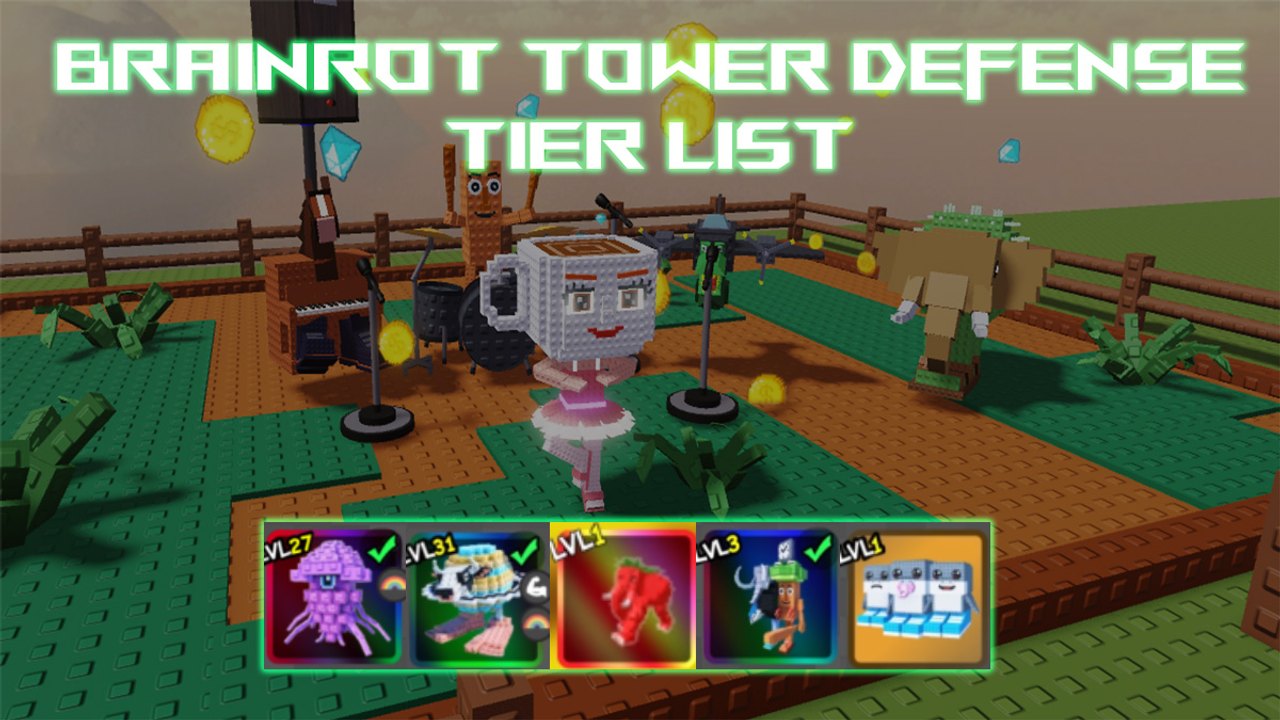
The Lightning Dragon Discord is the first-party chat for Brainrot Tower Defense. Shock Wave Studio and Lightning Dragon Limited (LDGStudios) post codes, weekly patch timing, and event rules there before those strings show up on random YouTube thumbnails. This page is how to join, which kinds of channels to watch, and how not to get your account stolen in DMs. The wiki stays unofficial; Discord is where the studio talks.
Invite: https://discord.gg/lightningdragon
If that URL ever 404s, use the social links on the official Roblox place instead of a Google Ads clone. The official links page shows where those buttons sit. The Links Hub keeps Twitter and the place next to this invite so you are not hunting handles.
How to join
- Open the invite on a desktop or mobile Discord client you already use. Do not download a “Discord for Roblox” executable; that is a stealer.
- Accept the server’s rules screen. Most Lightning Dragon servers gate announcement channels behind a single reaction or a rules button. Finish that or you will never see codes.
- Turn on notification settings for announcement-style channels only. You do not need pings from every general chat.
- Mute random voice lobbies. Codes are text. They will not be whispered in a 20-person hangout.
- Keep DMs from server members closed or restricted. Real staff do not DM you a free Secret.
You can join from the same Roblox account you play on, but Discord login is separate. Linking the two is optional. It does not redeem codes for you. Codes still go through the in-game gift icon described on How to Redeem Codes.
What the channels are for
Codes. Look for an announcements or codes channel, not general chat. Studio posts are short strings plus a reward. Copy them into the game the same day. This wiki’s Codes Hub mirrors Active and Check codes (wave, shock, bbtd, plus oneyear and tv as of 12 September 2026) after we verify. Discord is faster; the wiki is the sorted table with expired junk removed.
Updates. Weekly patch notes land here: new units, banner boosts, map tweaks, trait shop changes. Read those before you dump Gems. Pair the post with this wiki’s Updates Hub and weekly notes. If Discord says a Secret is boosted, that is the cue for Gem Spending, not for a random Legendary 10-pull.
Events. Limited maps, holiday modifiers, and combination recipes get their own posts. Use them with Events and combinations. Event channels go quiet between drops; that is normal, not a dead server.
Help / general. Player questions. Treat answers as unofficial. For placement, start at Getting Started and How to Play. For roster questions, use the tier list instead of the loudest ping.
Script and trading chatter. If a channel talks injectors or “free executors,” leave it. This wiki’s Scripts Hub already covers auto-place on throwaways and why mains should stay clean. Discord file drops are how accounts vanish.
Channel names change when the studio reorganizes. Watch the category, not a memorized #codes-2025 slug. If you cannot find codes, scroll pinned messages in announcements.
Codes you will see versus codes that still work
Discord history is not an Active list. hallo, taco, ttt, and the rest of the expired archive still sit in old posts. Never redeem from a message dated months ago without checking the wiki table. Case sensitivity still applies: type the string exactly, then press Redeem.
When a new code lands, you do not need a 20-player lobby to claim it. Invite friends later for waves. Gems are per Roblox account. Posting “first” in Discord does not reserve the string.
Staff, impersonators, and fake invites
Lightning Dragon staff will not ask for your password, backup codes, or a screenshot of your gift window. They will not send an .exe. They will not sell you a Secret. Anyone who DMs those asks is a thief.
Fake invites swap one letter in lightningdragon. Bookmark the URL from this page or from the Roblox social links. If a YouTube description uses a different invite and promises extra Gems for joining, skip it.
Twitter cross-checks help: https://twitter.com/LDGStudios often repeats the same patch beat. If Twitter and Discord disagree, wait for the in-game Redeem result. The gift icon is the source of truth.
After you are in
Set a Saturday reminder around weekly updates. Open Discord announcements, redeem anything new, then spend with the gem plan and trait priority. If you are brand new, do the starter path before you sit in general chat asking which Secret to buy.
Co-op LFG is fine. Servers hold 20. Ask in the right channel, then join from the official place, not from a stranger’s alternate experience. If they require a script to “ready check,” decline.
Join Lightning Dragon through the lightningdragon invite, watch codes and updates channels, and ignore DMs that offer free Secrets. Discord is the studio’s loudspeaker; the gift icon and this wiki’s codes table are how those shouts become Gems you still have next week.
Frequently Asked Questions
Quick answers to the most common questions.
What is the Brainrot Tower Defense Discord invite?
https://discord.gg/lightningdragon — Lightning Dragon’s server. If the link fails, use social buttons on the official Roblox place.
Which Discord channels post codes?
Announcement or codes channels, not general chat. Confirm live strings on the Codes Hub before you retry old messages.
Do I redeem codes inside Discord?
No. Copy the string, open the in-game gift icon, press Redeem. Steps are on How to Redeem Codes.
Will staff DM me a Secret or a script?
No. Real staff post in server channels. DMs with files or login requests are theft. Script risk is explained on the Scripts Hub.
Where do weekly patch notes appear?
Updates-style Discord channels first, then this wiki’s weekly updates page. Read both before spending Gems.
Is joining Discord required to play?
No. The game is free on Roblox with servers up to 20. Discord is how you hear codes and events earlier than YouTube.