
How to Play Brainrot Tower Defense
Lobby teleports, valid tiles, upgrades, evolution, and official Auto Play.
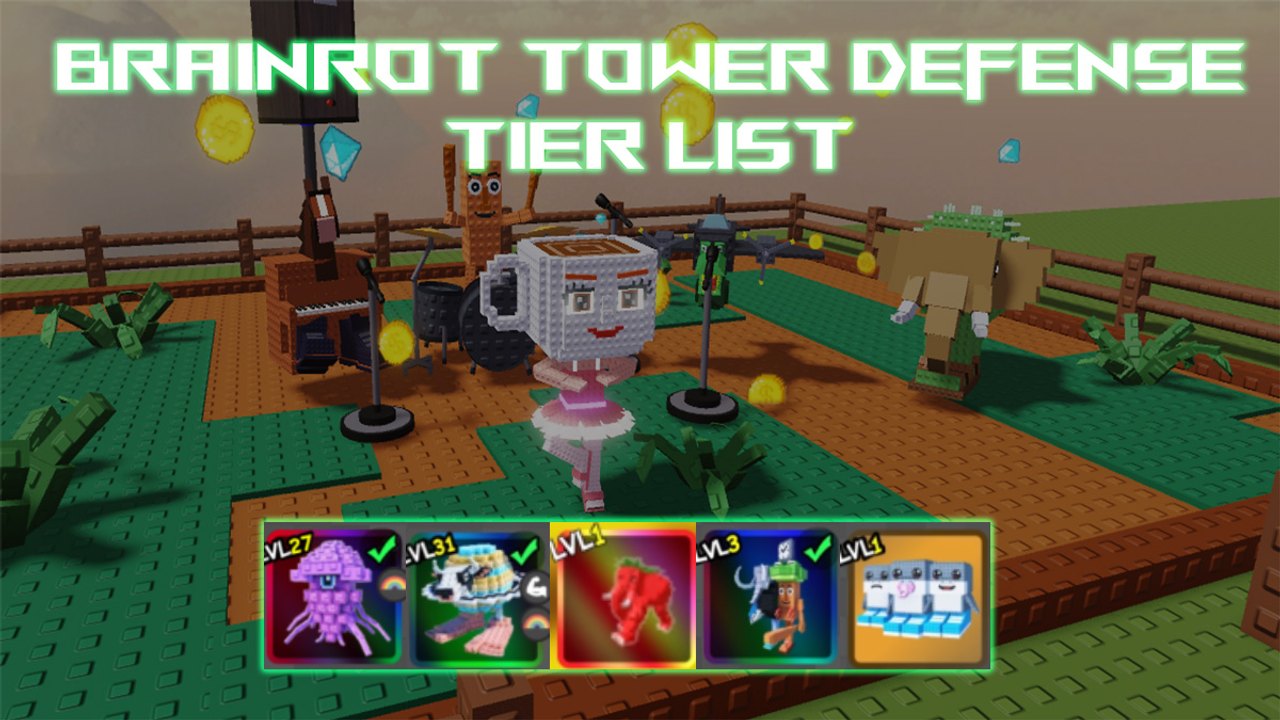
Brainrot Tower Defense plays like a classic lane defender once you are on the map, but the lobby and the PvP beta confuse people who skip the HUD. You place Italian Brainrot meme units on a path, earn cash from kills, upgrade the selected tower, evolve it when the requirements pop, and win the wave. Matches are online: invite friends into a 20-player server, or queue the 1v1 PvP beta when you want portals and extra energy. This page is the control scheme, not a lore dump.
Lobby, platforms, and teleports
You load into a lobby, not straight onto a story map. Platforms, pads, and teleports are the queue buttons. Stand on the pad for the mode you want — story, event, Endless, or the PvP beta — and wait for the teleport. The gift icon for codes lives in this lobby; redeem before you jump so gems and trait items are in the account, not sitting unclaimed. Group likes and favorites from getting started also belong here, because some weekly flags check them on the way in.
Once the map loads, look at the bottom bar. That bar is unit select, not a cosmetic tray. Highlight a unit, then tap a valid tile along the path. Invalid tiles flash and eat your click; they do not place a shadow tower. Range rings matter: Full AoE wants a bend that sees the whole clump, Line attackers such as Strawberrelli Flamingelli want a straight, Circle combinations such as Elefanti Strawberry want a pocket that covers a loop. If you are sharing a server, call the tile so two farms do not sit on the same bend.
Upgrade, evolve, and the cash curve
Click a placed unit to select it. The upgrade button spends cash from kills on that tower only. There is no global “upgrade all.” Spreading six small upgrades is how early maps leak; feed the unit that is actually touching the wave. Evolution is a separate prompt. It fires when the unit meets its copy, level, or material checks — not when you mash upgrade on a Common. If the button is grey, you are missing a requirement, not lag.
Cash comes from kills, so Farm is a role. A dedicated farm (Los Tralalero Dicen Tralala is the combination everyone chases; cheaper farms still count) should go down early. Slow Support (Major Combination) buys time. Crowd AoE (Graipus Medussi, or Ballerina Cappucina as the beginner version) deletes clumps. A boss killer (Saturno Saturnita, Banner Mythic with splash) exists because some tanks ignore splash. Role shells live on teams and best units. Starter costs live on starters.
Official Auto Play versus third-party scripts
Lightning Dragon added an official Auto Play toggle. It repeats a layout you already won, on the account you are logged into, inside the game’s own HUD. That is not the same as a third-party injector on scripts. Use Auto Play after you can clear the map by hand. Save a board that already has farm, slow, and a carry. Auto Play will not invent a Secret or reroll Giant for you. If the toggle is missing after a patch, it rotated; check weekly updates.
PvP is a different pad. 1v1 portals and extra energy have their own page: PvP beta. Do not turn Auto Play on in a live 20-player lobby if friends are placing by hand; you will fight them for tiles.
Traits, crafts, and summons during a match
You do not reroll traits mid-wave. Giant (minus 10 percent SPA), Diamond (plus 50 percent XP), and rare Rainbow / Radiation / Yinyang rolls happen in the lobby, covered on traits. Combination recipes sit on the lobby machine; see combinations. Gems wait until after the match — summoning is the spend page.
After the match, check weekly updates and events before you assume the same teleport still exists. Sahur-style return events and PvP flags rotate. The units hub names what you placed; this page is only the HUD.
Treat the HUD like a loop: select, place on a legal tile, upgrade the same tower, evolve when the prompt is real. Auto Play only repeats a loop you already proved by hand.
Frequently Asked Questions
Quick answers to the most common questions.
How do I start a match from the lobby?
Stand on the platform or teleport for story, event, Endless, or PvP. The bottom bar becomes unit select after the map loads. Redeem codes in the lobby first.
Why will my unit not place?
You clicked an invalid tile. Place on legal path tiles only. Sidewalks, decorations, and occupied pads reject the click.
How do upgrades and evolution differ?
Upgrade spends kill cash on the selected tower. Evolution is a separate requirement check (copies, materials, or level). A grey evolve button means you are missing a check, not that cash is low.
What is the PvP beta?
A 1v1 mode where portals spawn on the map. Faster portal clears pay extra energy. You still place, upgrade, and evolve the same way as story maps.
Do I need friends to learn the HUD?
No, but online co-op on 20-player servers is the faster classroom. Invite a friend so one person farms while the other covers the bend.